
When adding images to your content, it is important to provide an alternative way of accessing the information conveyed in the image. The most common and preferred method to do is to add alternative ('alt') text to your images. Alt text allows users, who may not otherwise be able to, to access the image and its content through assistive technology that reads out a description of the image.
How to Write Alt Text | Upanup
To draft accessibly content, you must consider alt text for all images, even if they don't end up requiring it. To determine if the images you are adding needs alt text (and the best approach for that alt text), check out Web Accessibility in Mind's (WebAIM) alternative text guide and the World Wide Web Consortium's (W3C) Web Accessibility Initiative's (WAI) alt Decision Tree.
When adding an image to your content, either through the media library or from the WYSIWYG editor, you will have the opportunity to add alt text. If you don't add alt text, the image will be marked as 'decorative' (or, if you are adding the image through the media library, you will have to check off that the image is decorative), meaning assistive technology will ignore the image.
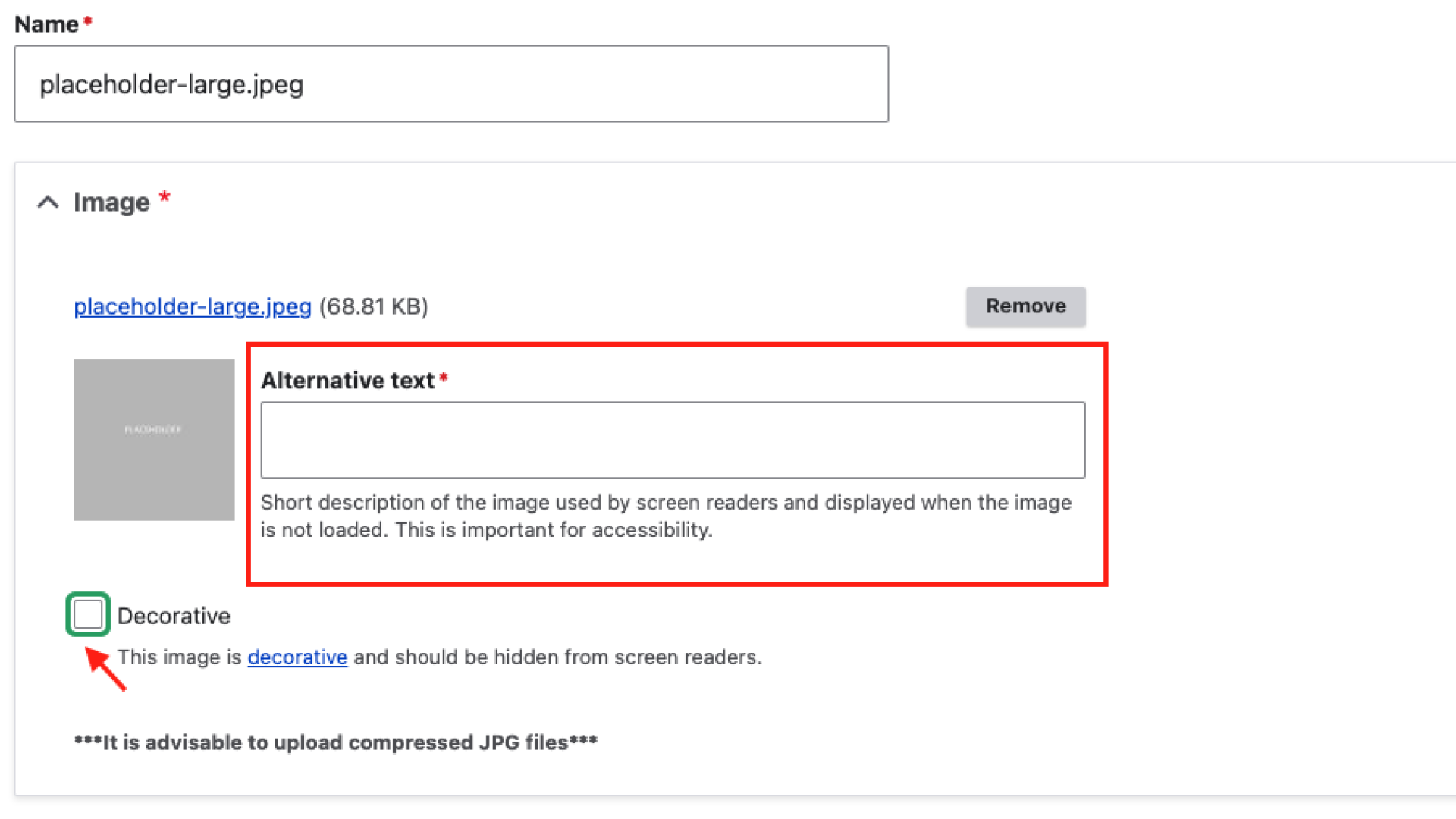
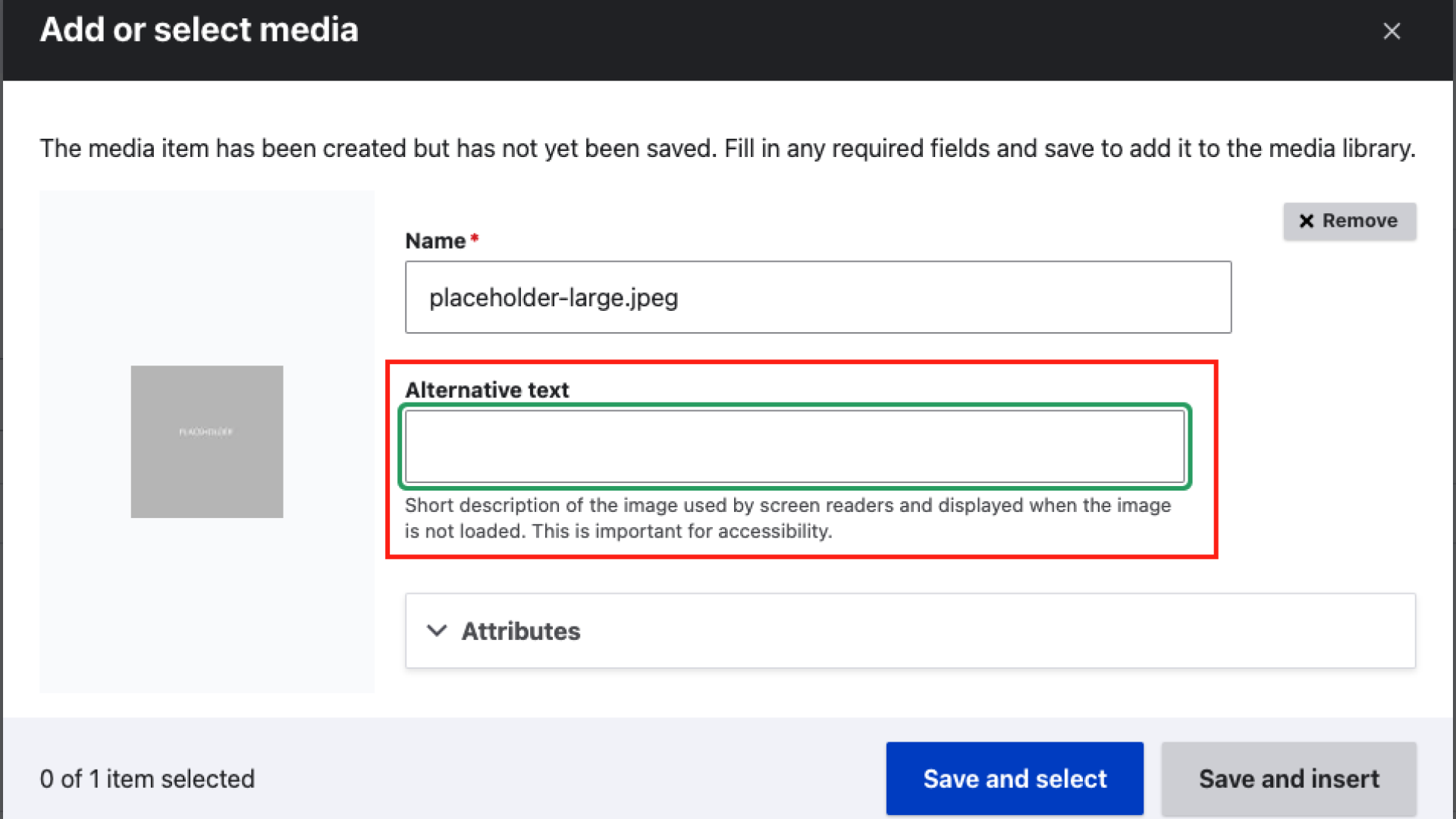
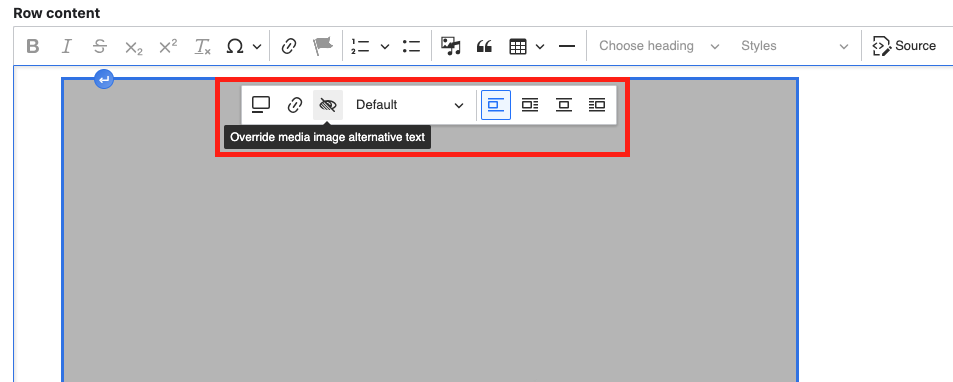
If you want to use an image that is already on your site, you may find that the alternative text already attached to the image is not suitable for how you are using the image. For example, if you are using an existing image as a link, you'll need to change the image's existing alternative text to text that is descriptive of the link's destination. In these situations, you can override the image's alternative text:
Additional Alt Text Tips
- Avoid image with text whenever possible. If images have text, ensure that text is also available in the alt text. If there is a significant amount of text in the photo (such as a flyer or infographic), that text should also be written out in page content.
- When writing alt text, imagine you are describing the webpage, including the photo, to someone over the phone. This will help you determine how much description is necessary to explain the photo within the context of the page.
- Keep your alt text short. Only a short phrase or sentence should be necessary to describe the image, but if more description is needed, consider adding that information on the page.