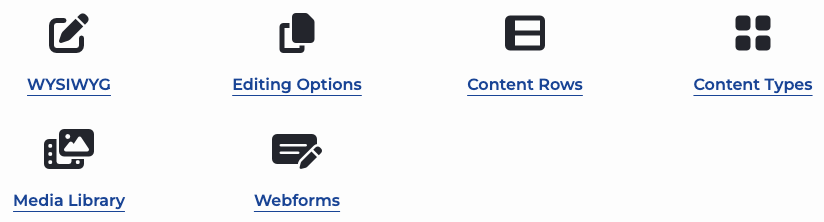
Quicklinks are just links with a FontAwesome icon. They can be a great way to provide a list of links with a visual cue.
Add a Quicklink Content Row
- Select "add Content Row" and then choose Add Quicklinks from the list of options.

- Begin filling in the 3 fields. (Each Quicklink requires an Icon, link text and a URL.)
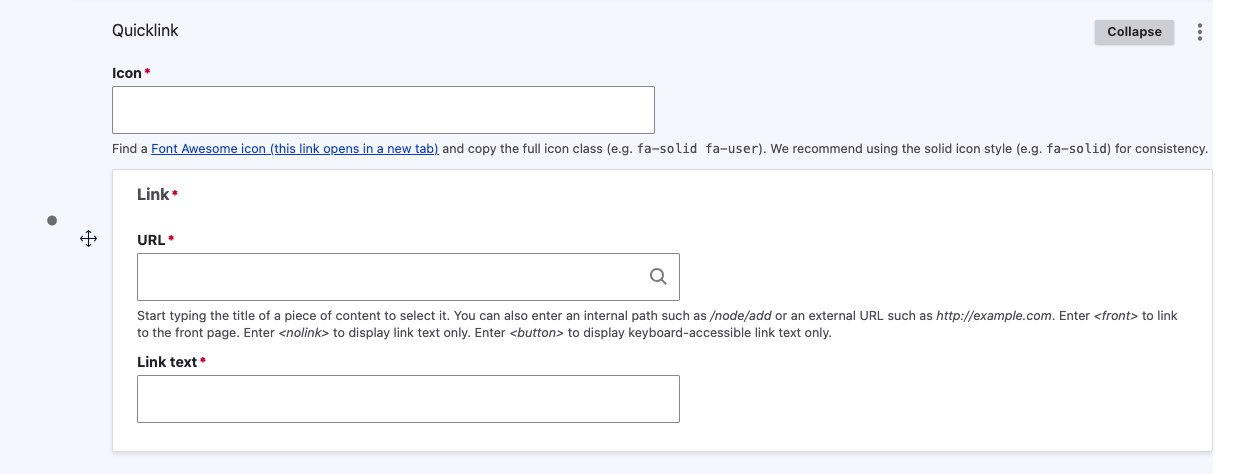
- Add an "Icon". Copy the full item class of the FontAwesome Icon you want to use (e.g., fa-solid fa-user). Use the link below this field to access the FontAwesome library.
Image
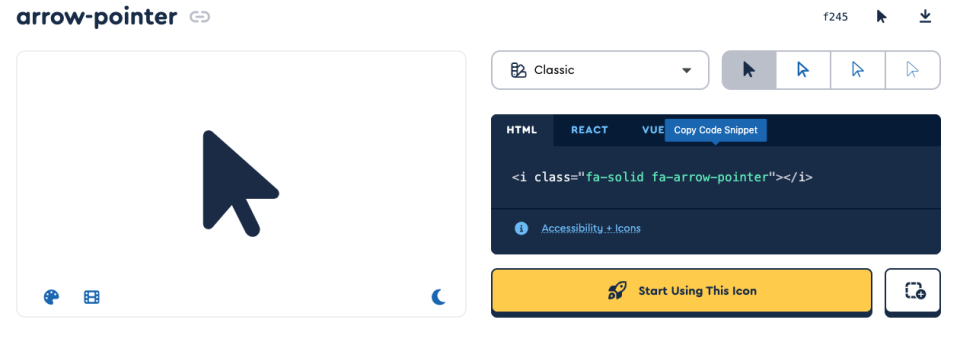
- Add "URL". Start typing the title of the content you want to link to, select the appropriate content node.
- To link externally, paste the full URL in this field. (must include http://...)
- Add "Link Text". This will be the title for your Quicklink.
Want to add more?
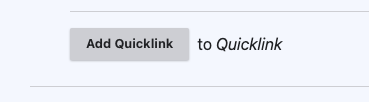
There is the ability to add multiple Quicklinks to the same row. Select "Add Quicklink" and follow the same instructions for filling in the 3 required fields as per above.
Image
For advice on picking an Icon for your Quicklinks, check out our FontAwesome dos and don'ts
Quicklinks Dos and Don'ts
Do's:
- Use icons to add visual interest.
- Icon subject matter should be relevant to content (i.e. trash can icon for "Garbage and recycling").
- Use Font Awesome Light weight/ styling.
- When applicable keep hyperlink text short and concise. Hyperlink titles should be brief to inform users or encourage selection.
- Consider the hyperlink text length when selecting a styling (i.e. a long title may be better suited for icon styling).
Dont's:
- Avoid using icons that are not related or relevant to the hyperlink title.
- Avoid repeating icons within the same block of content.
- Avoid the use of all capitalization unless specifically required, such as for acronyms. This enhances accessibility, ensuring readability and correct pronunciation by screen readers.
Quicklink Examples