
Using Images on Websites
Images within the website should be used to:
- Provide visual context
- Enhance messaging
- Make complicated information easy to understand
- Reflect diversity and inclusion
Specific images sizes to be used on your website can be found in the help text within your CMS.
Selecting an image
Do's:
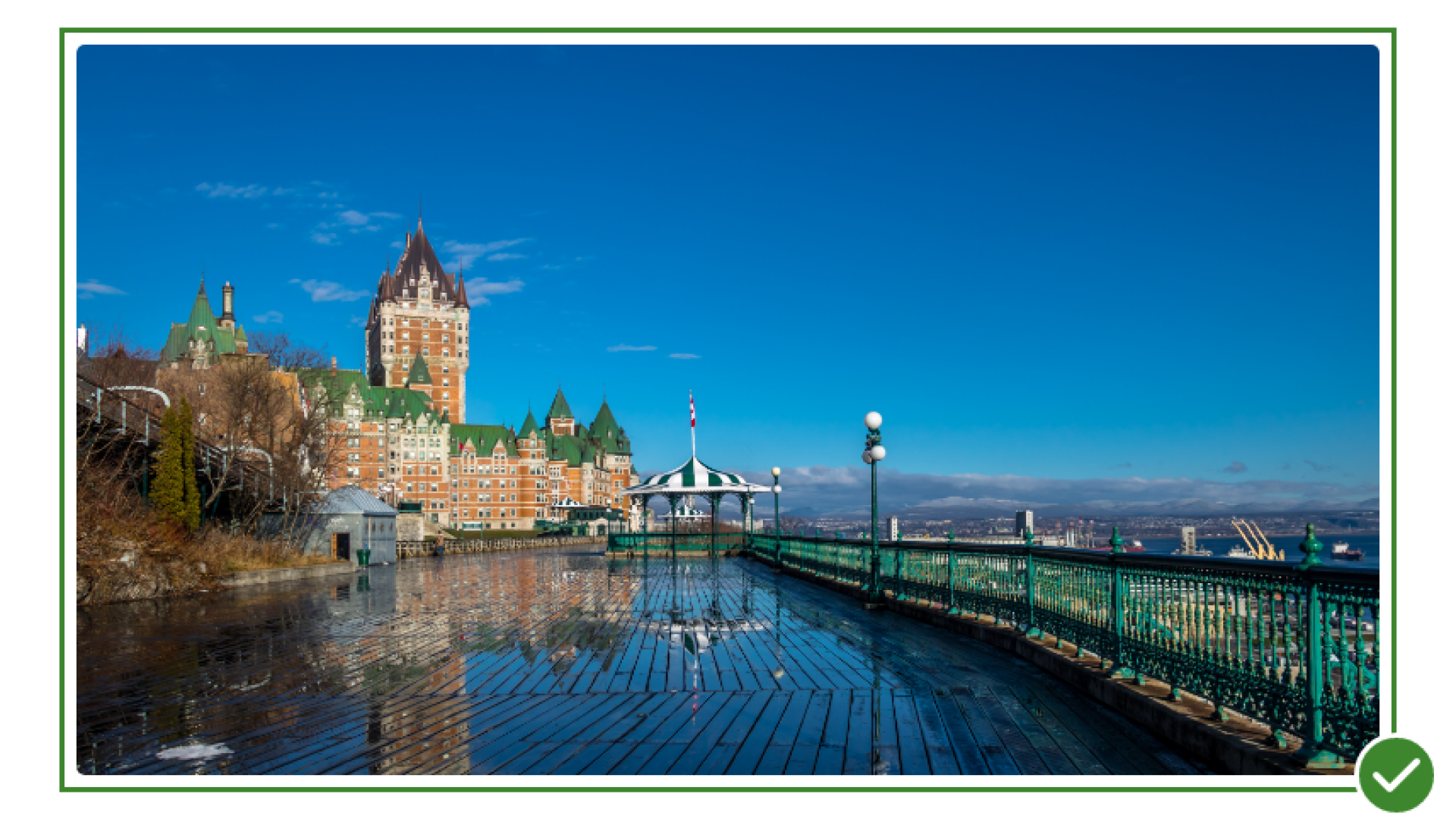
- Use photos in which the subject is clear and easy to understand.
- Use photos that have good natural lighting.
- Use a variety of subjects and locations, especially if using multiple images.
- Try and include more diversity and more candid, organic, and natural portraits.
- Include a description of the information in a graphic with text (i.e. a graph or chart communicating complex content) below the image for legibility and accessibility. We recommend limiting the use of graphics with text; they should be used only when necessary.
- Use landscapes for homepage banner photo; these provide users with a sense of geography and natural beauty.
Dont's:
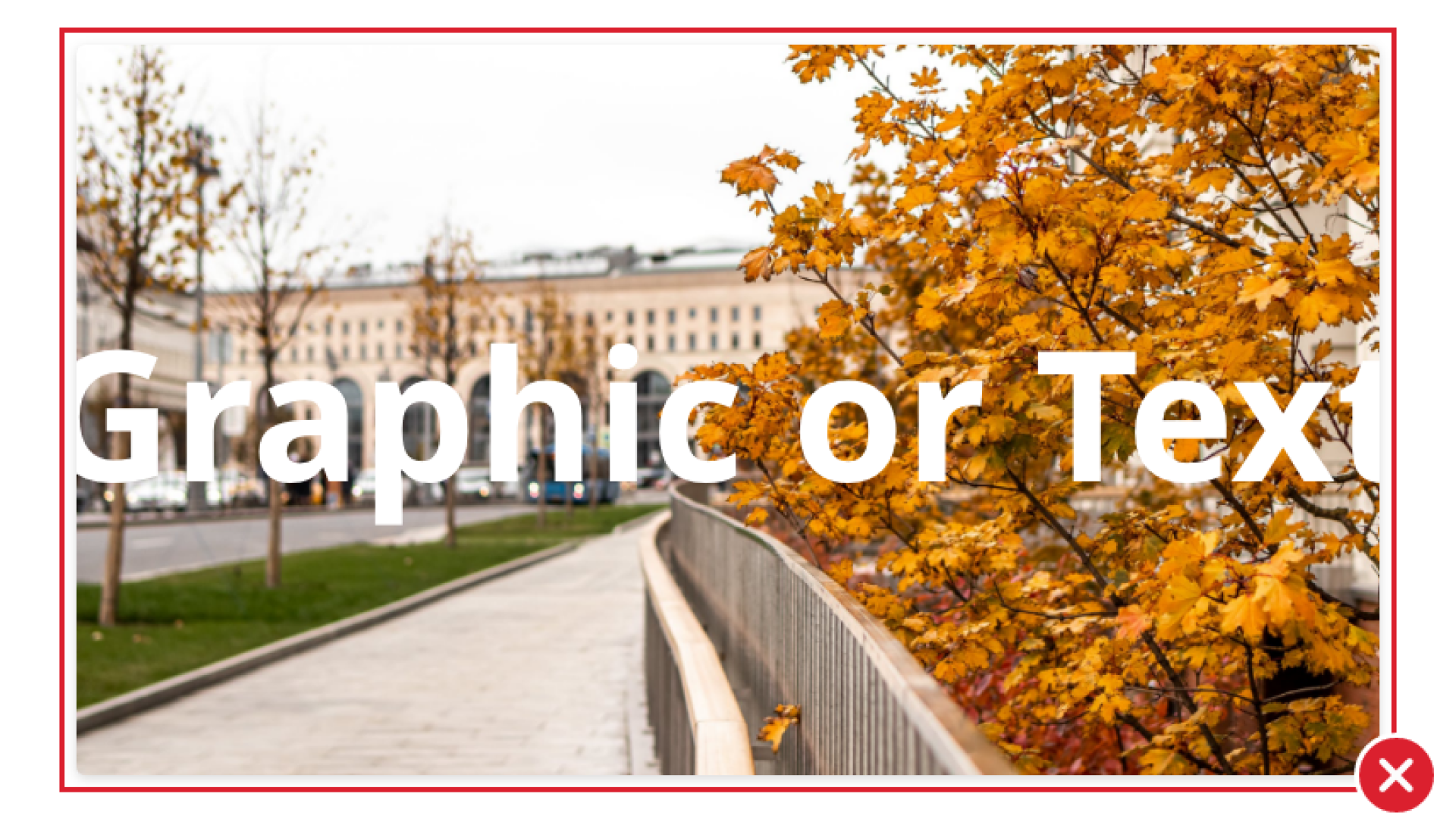
- Don't use graphics or event posters as images.
- Don't include text or use photos with text on an image. This is inaccessible to screen reader technology.
- Don't stack logos over an image to communicate the brand. Logos over an image might reduce legibility of the logo and image, or reduce the impact of the main logo within the website header.
- Don't use imagery with people that are displaying exaggerated emotions.
- Don't use photos with too many focal points.
- Don't use photos taken exclusively at a single location or public event.
- Don't use stock photos with white backgrounds or abstract image concepts (i.e. synergy, a picture of a puzzle, or an object cutout).
Saving and cropping images
Do's:
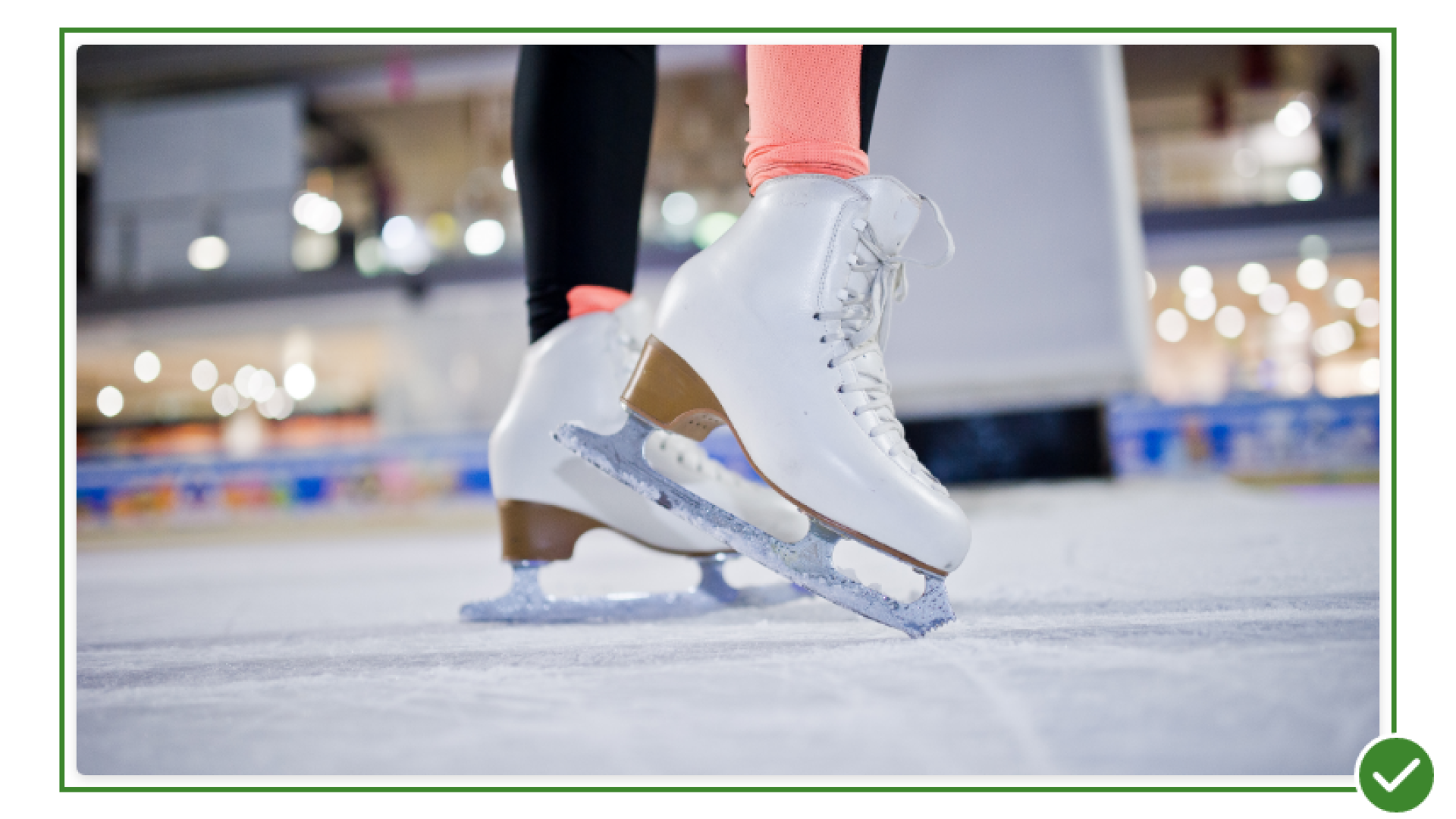
- Obtain permission to publish images that do not originate from your organization.
- When cropping images, keep the subject matter centred and test the image at different screen widths before publishing.
- Optimize image sizes for the web. Reduce the file size while maintaining a reasonable quality.
- Source high quality images. We recommend sourcing images that are 1920px or larger in size.
Dont's:
- Don't use low-quality, low-resolution images or images with too much noise or grain.
- Don't resave smaller images and scale them up; work from the original source images.
We want to hear from you!
Our team at Upanup is always striving to make this guide better and more accessible for our clients. We’d love to hear from you, so we can continue to improve this guide.