
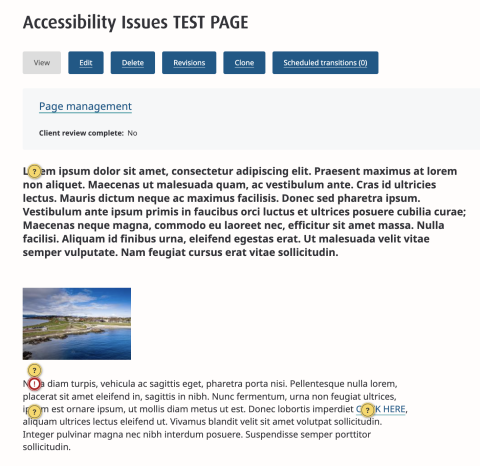
Every Upanup Drupal site comes with a built in accessibility checker. The checker highlights potential accessibility issues by populating yellow question marks on relevant content and pages. To reveal more information about the warning and tips to fix the issue, simply hover over it.
When reviewing accessibility warnings, logged in users can choose to "hide the warning," "mark OK for all users," or close the message to be revisited at another time. Note, these actions will not fix any accessibility issues, only hide or remove the warning.
To open the accessibility checker, click on the yellow circle in the bottom right corner of the page. This will expand the view to provide an outline of the issues within the current page. To view warnings for the entire site, click “View site-wide reports” for the top accessibility issues.
For more information or to see a demo highlighting features, visit Editoria11y Accessibility Checker, or watch our demo of it: